> ## Documentation Index
> Fetch the complete documentation index at: https://pulse.mintlify.site/llms.txt
> Use this file to discover all available pages before exploring further.
# Installation
> Getting started with Pulse UI
 ## Installation
Add AspNetCore.Pulse.UI and AspNetCore.Pulse.UI.Client to your project
Add some check package and configure the UI on Startup file:
```csharp theme={null}
services
.AddHealthChecksUI()
```
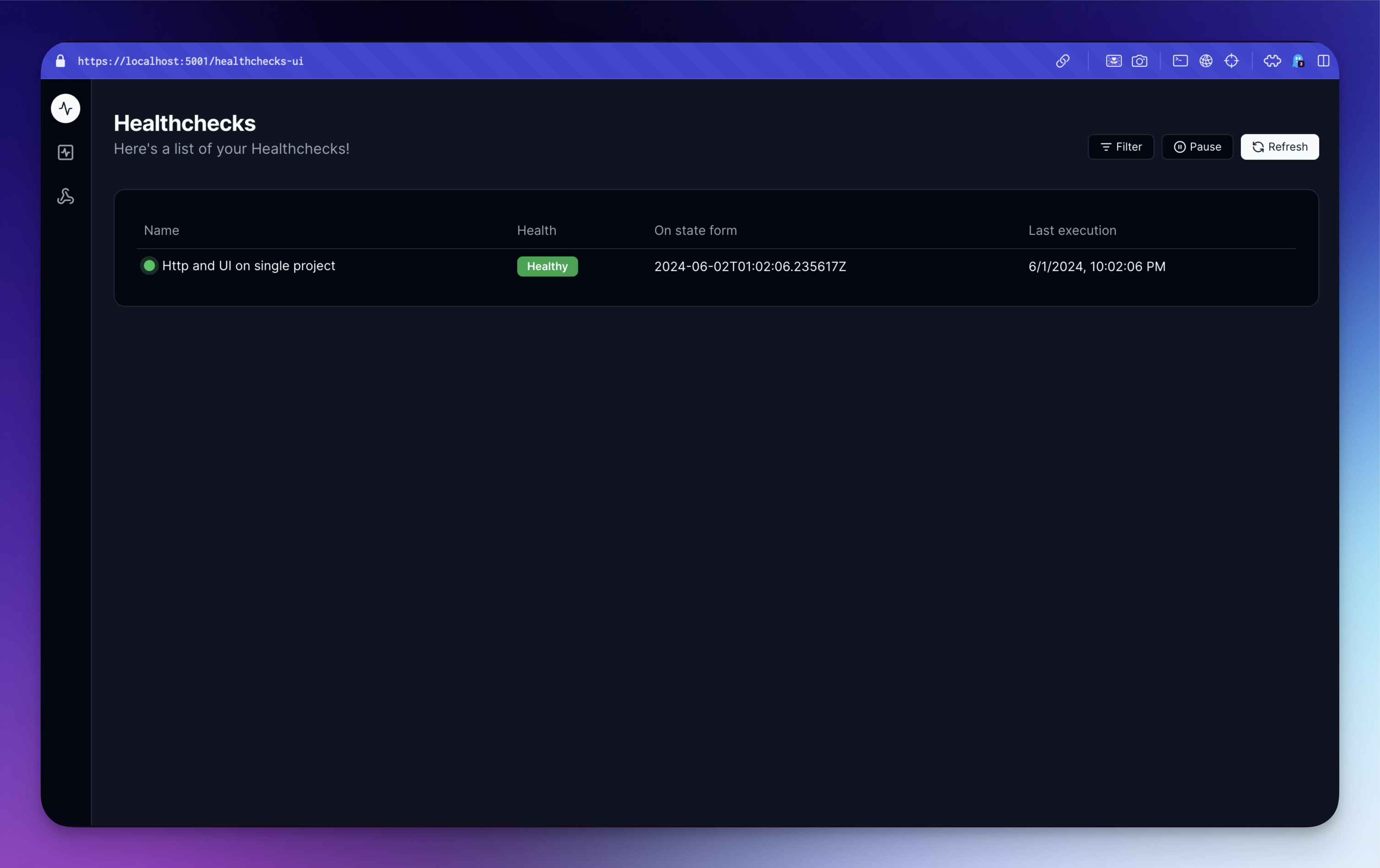
Open pulse UI [https://localhost:5001/healthchecks-ui](https://localhost:5001/healthchecks-ui)
## Installation
Add AspNetCore.Pulse.UI and AspNetCore.Pulse.UI.Client to your project
Add some check package and configure the UI on Startup file:
```csharp theme={null}
services
.AddHealthChecksUI()
```
Open pulse UI [https://localhost:5001/healthchecks-ui](https://localhost:5001/healthchecks-ui)